Used by and seen on






A design is a plan or specification for the construction of an object or system or for the implementation of an activity or process. The verb to design expresses the process of developing a design
Publish responsive pages with your own domain name or export your work to host it yourself, is great for decision making, prototyping and publishing single pagewebsites.
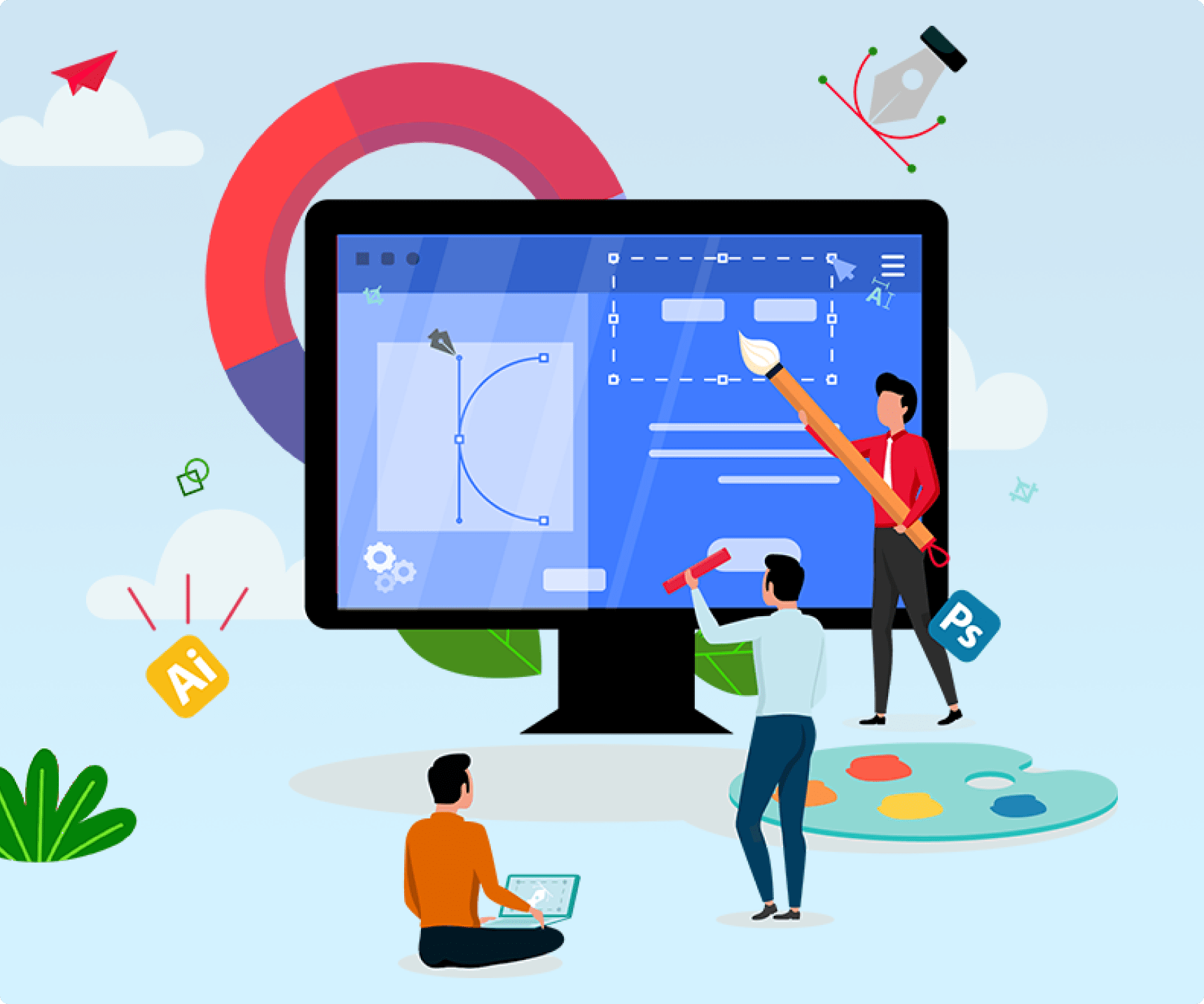
We see web design, visually, therefore it makes sense to produce design in a visual way. Yet you can always access the code if needed. Use a drag and drop editor with the ability to see web fonts. With drag and drop, you can rearrange the structure and elements of your layout.
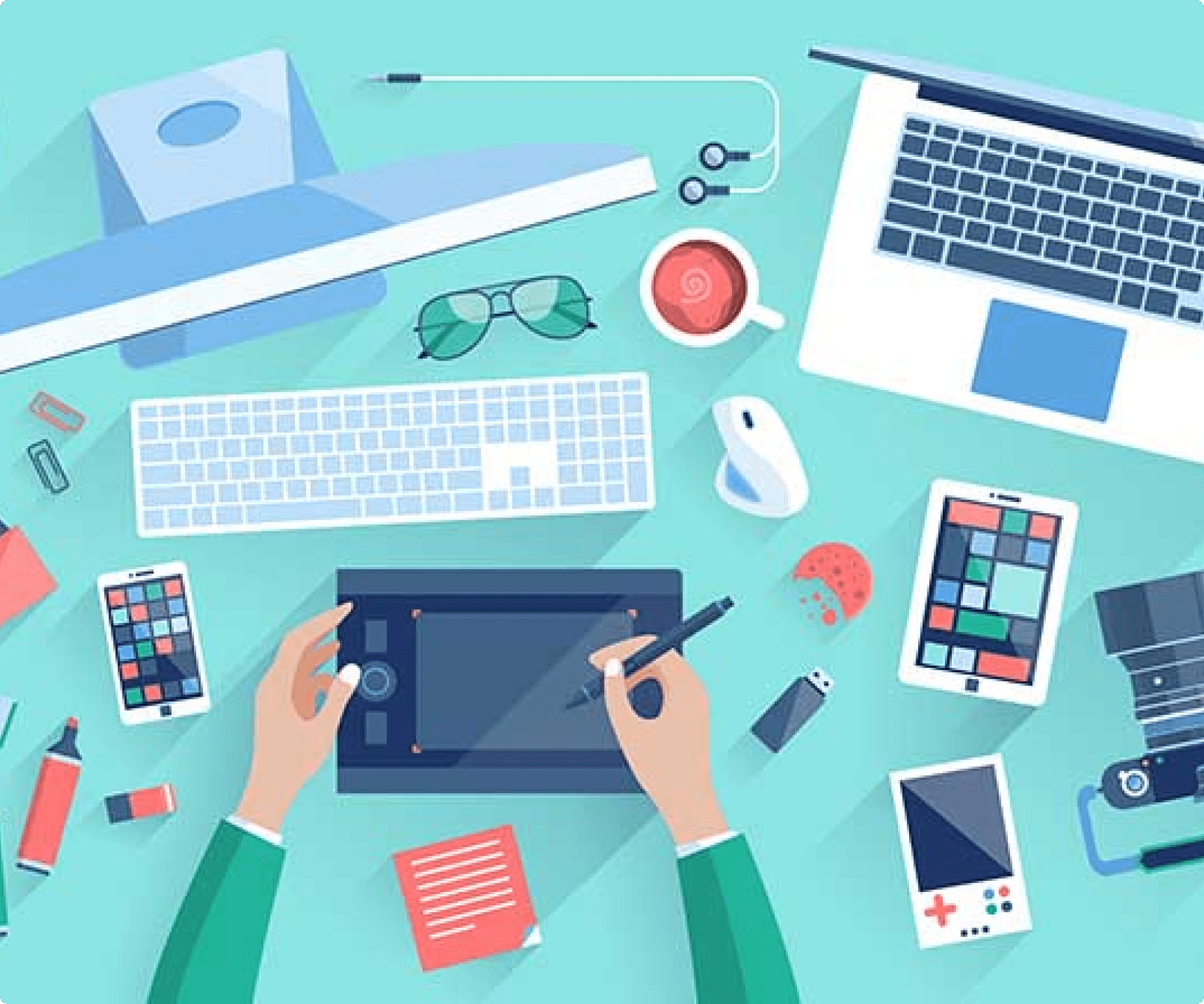
Add Behaviour animations to create simple element loading animations and spice up your design. You can choose from the ones we have or use your own code. An animation effect is a special visual or sound effect added to a text or an object on a slide or chart.
Not sure if Design is for you? Check out a few of the key features!
Use SVGs that always stay crisp and you can change the color as you go.
Add forms to collect your visitors' emails directly with Mailchimp.
Ad some fancy elements to your designs by adding interactive scroll effects or animations
Copy CSS from Photoshop or Sketch or even your text editor and paste it.
Have full control over mobile layouts. Move the breakpoints where it's best for the content.
Choose from presets or create your collections of elements to re-use layer in your projects.